From address to heritage story website in 24 hours
HomeHeritage's AI-powered process researches, writes, illustrates and publishes a beautiful heritage property website for real estate agents — reviewed by humans for accuracy before publication.
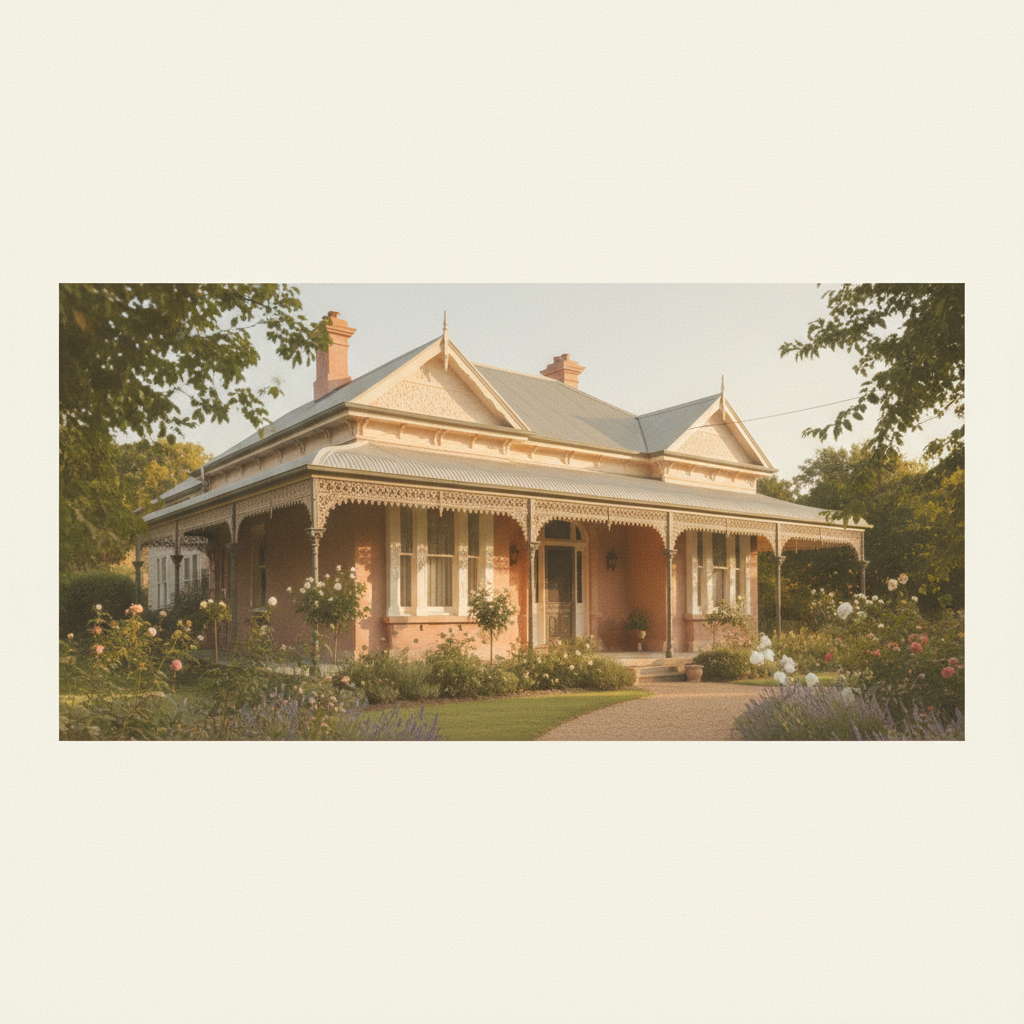

Ask your agent to contact HomeHeritage
- Property address
- Current listing photos
- Floorplan
- Agent branding
- Known history from the owner
- Any old photos or documents
- Preferred tone: premium, heritage, family story, country estate

AI agents research the property
- Approximate construction date
- Historical ownership records
- Original builders or families
- Old newspaper mentions
- Council heritage information
- Old maps and street history
- Architectural style analysis
- Historical events in the area

Human review and fact checking
- Story accuracy verified
- Unverified claims clearly noted
- AI images labelled appropriately
- Sensitive family history handled carefully
- Agent confidence before publishing
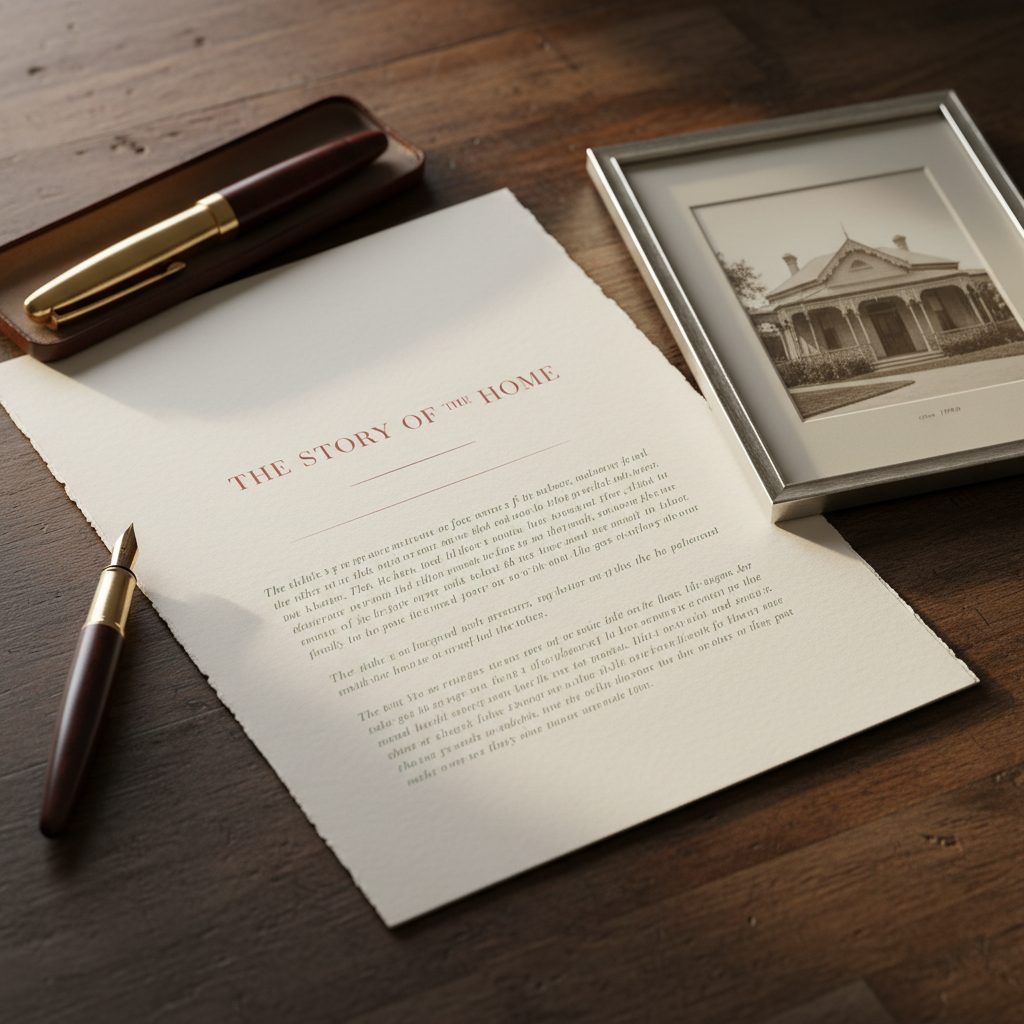
AI creates the property story
- The property story and narrative
- Historical timeline
- Suburb and town history
- Architectural explanation
- "When this home was built" context
- Social media content snippets
- Listing copy enhancements
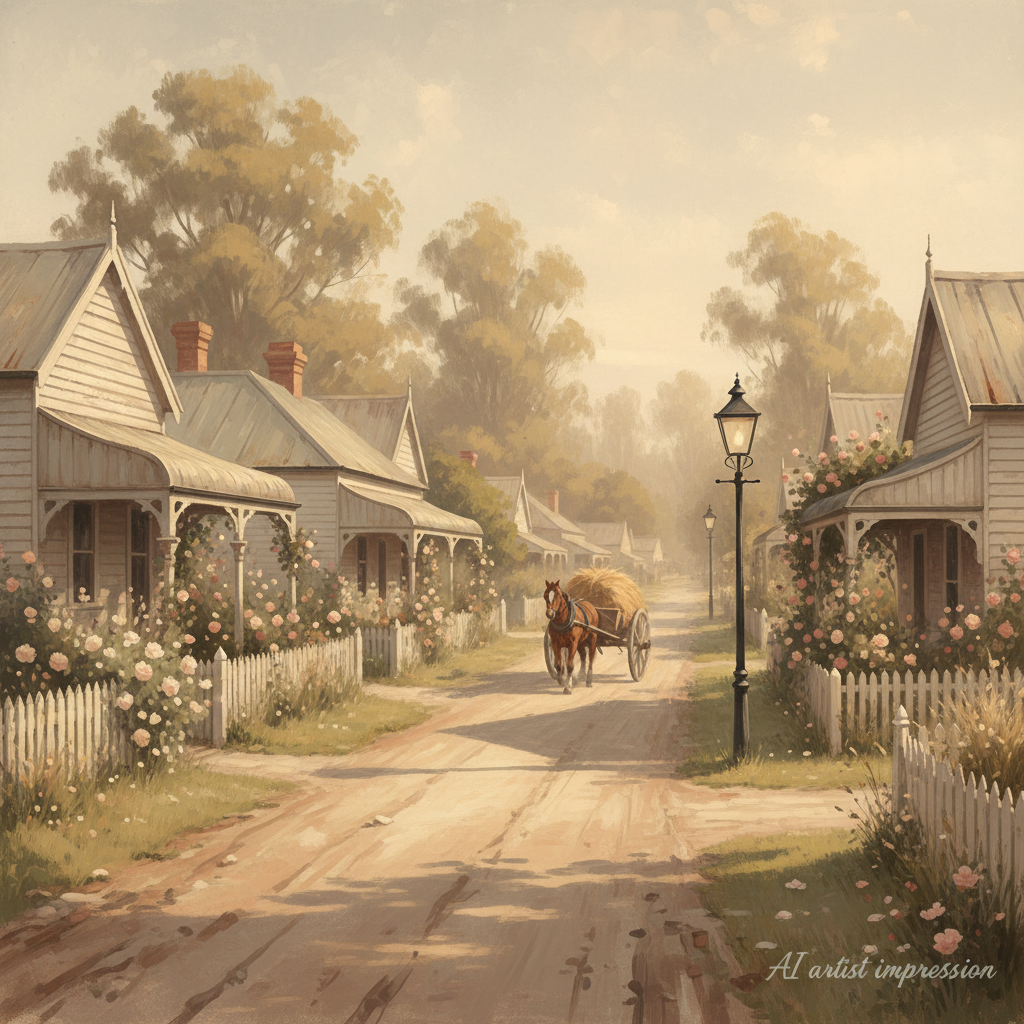
AI creates historical-style images
- How the home may have looked when first built
- The street in the original era
- Period landscaping and transport
- Interior mood images inspired by the era
- All clearly labelled as artist impressions
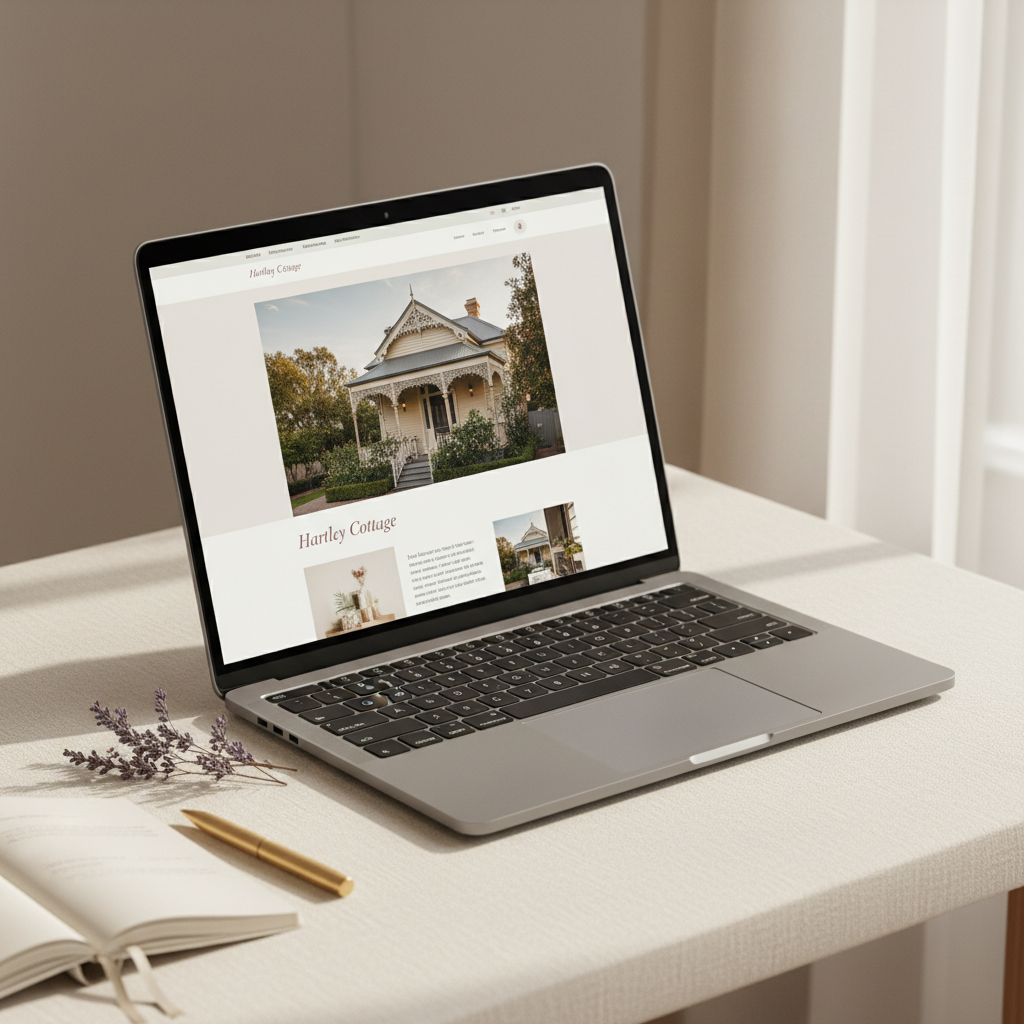
Website is built and published
- Custom domain or subdomain
- Agent branding and contact details
- Full photo gallery
- Property history and timeline
- AI historical reconstructions
- Enquiry form and booking links
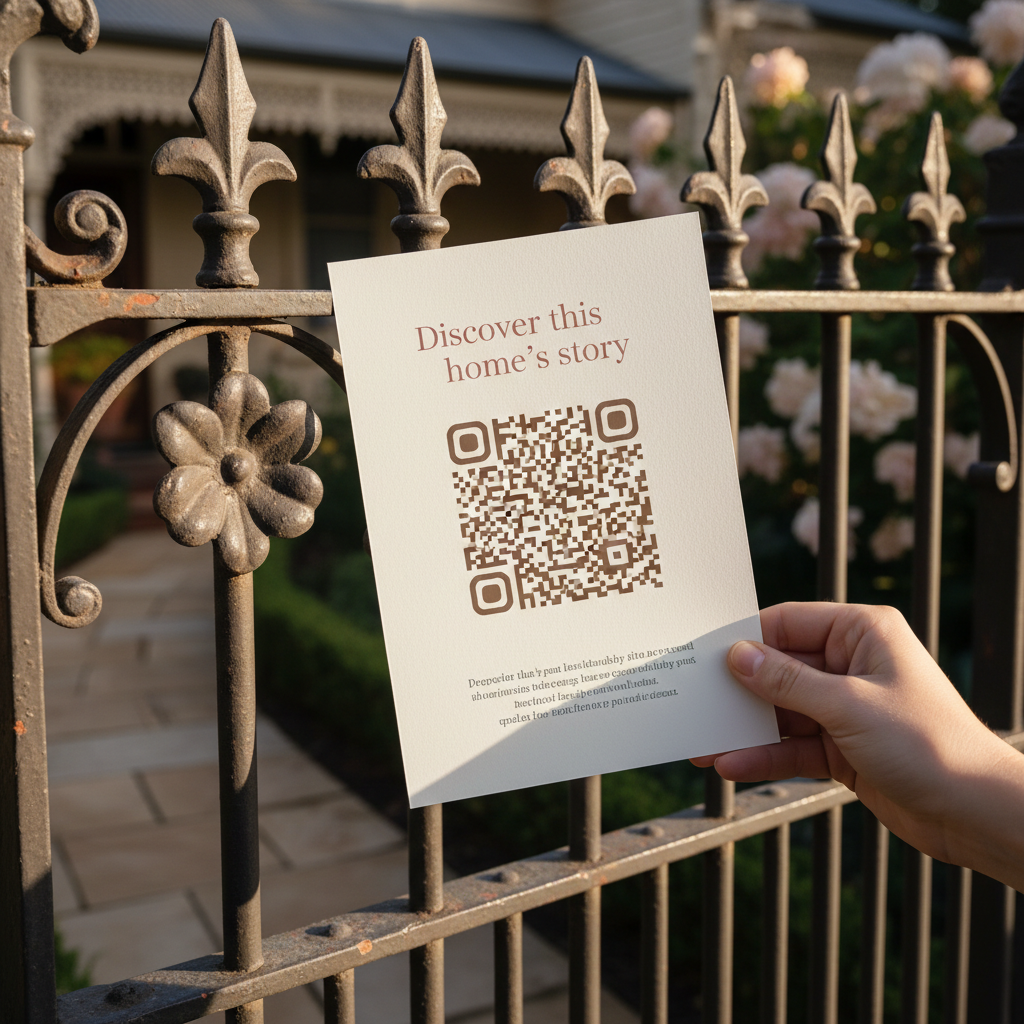
A QR code & shareable link for every channel
- A printable QR code for open-for-inspection signage and flyers
- A short shareable link to add to realestate.com.au & domain.com.au listings
- Use across vendor reports, brochures and email campaigns
- Buyers scan once and explore the home's full heritage story
- Branded with your agency and a direct enquiry path back to you
One scan, the whole story
Every heritage website comes with its own QR code and short link — designed to convert open-for-inspection foot traffic and portal browsers into emotionally engaged buyers.
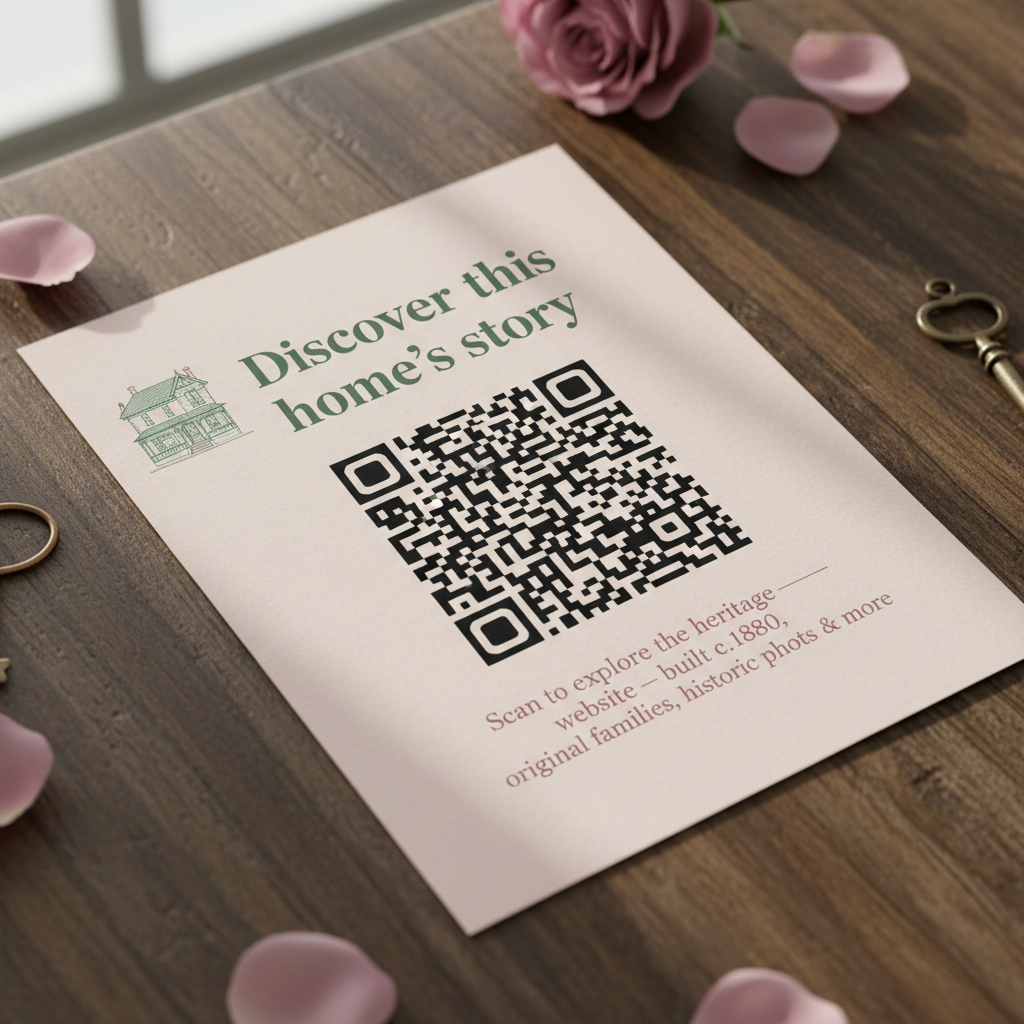
Capture every buyer who walks through the door
Place the QR code on display boards, flyers and handouts. Buyers scan with their phone and instantly explore the home's history, families, AI reconstructions and architectural context — even after they leave.
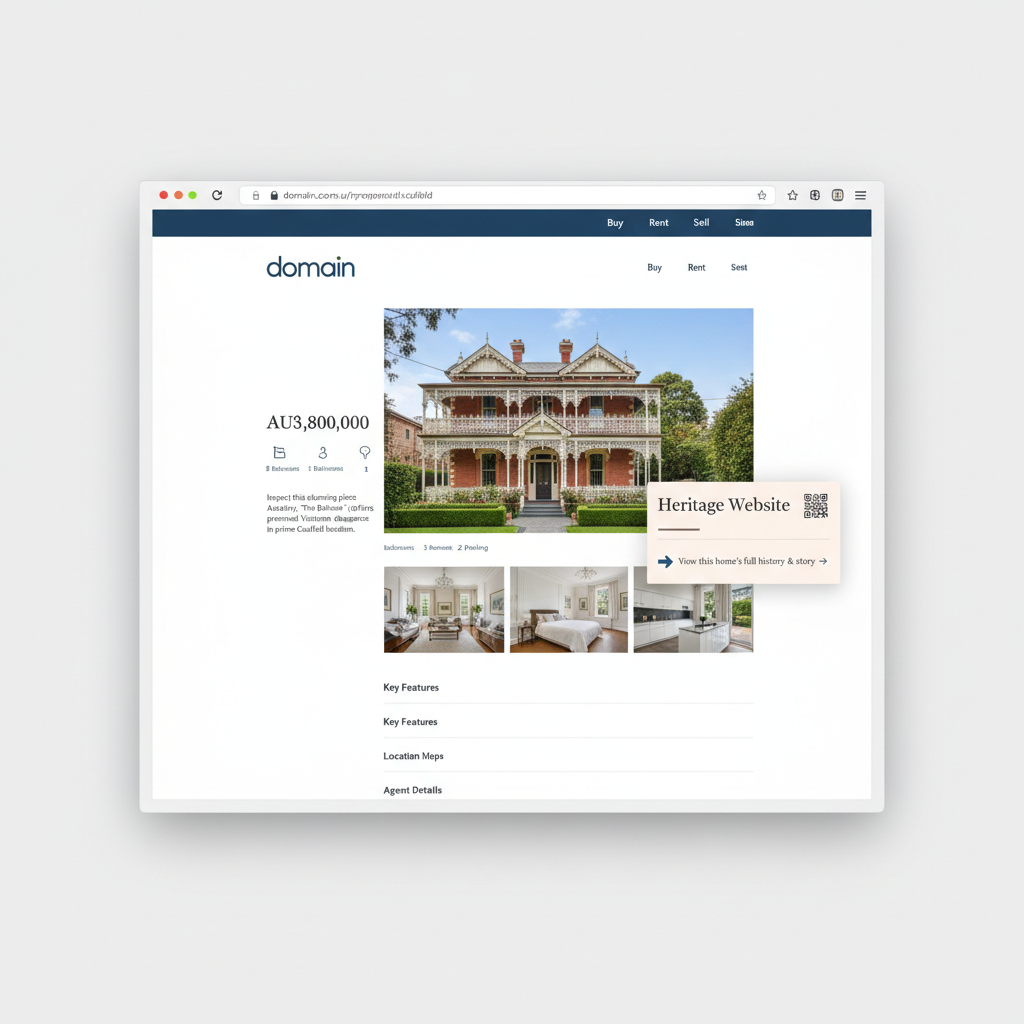
Stand out from every other listing on the portal
Add the short link to your listing description. Portal browsers click through to a beautifully designed heritage site — the only listing in their search with a story behind it.